Google Indexing API —
direct channel to Google
Official API from Google for notifying about new and updated pages. Faster than waiting for the crawler. Supports BYOK (Bring Your Own Key).
No sitemap • Quick Start
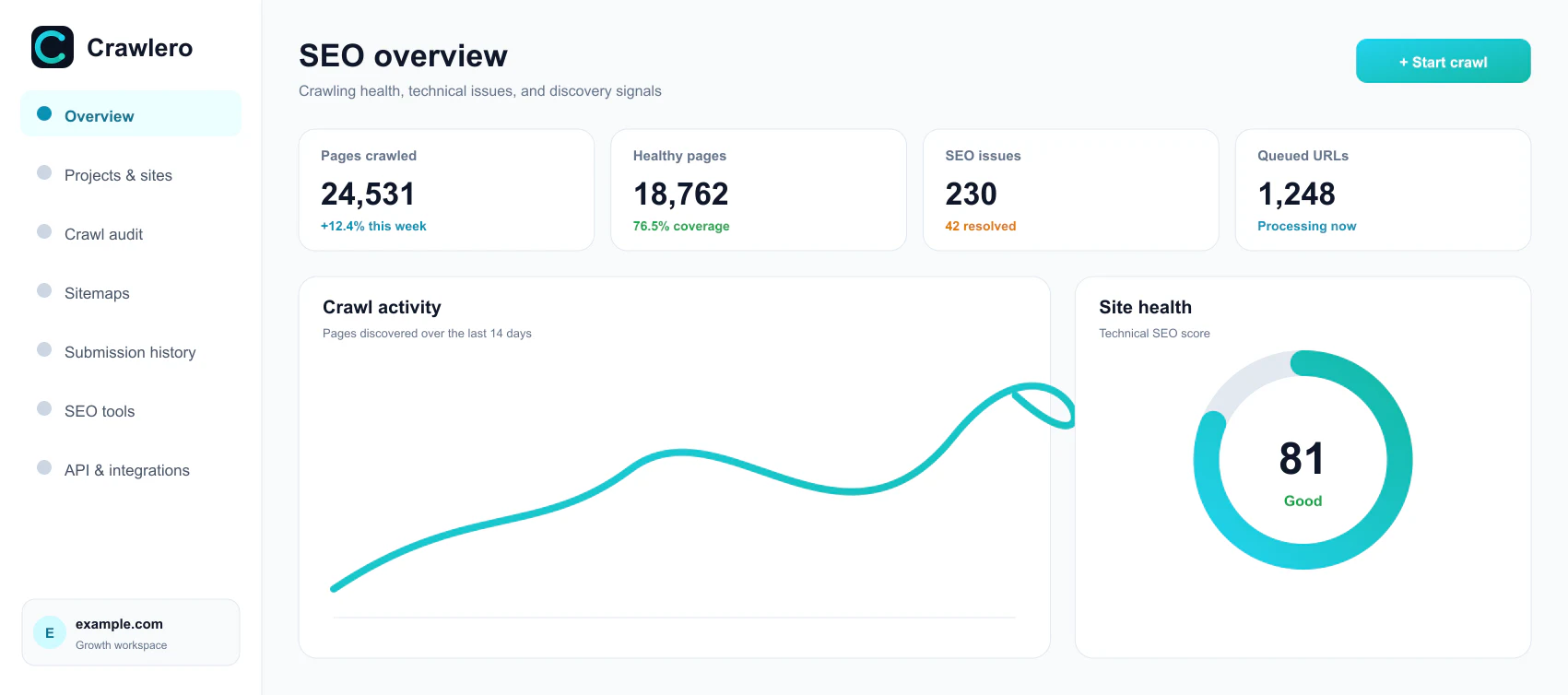
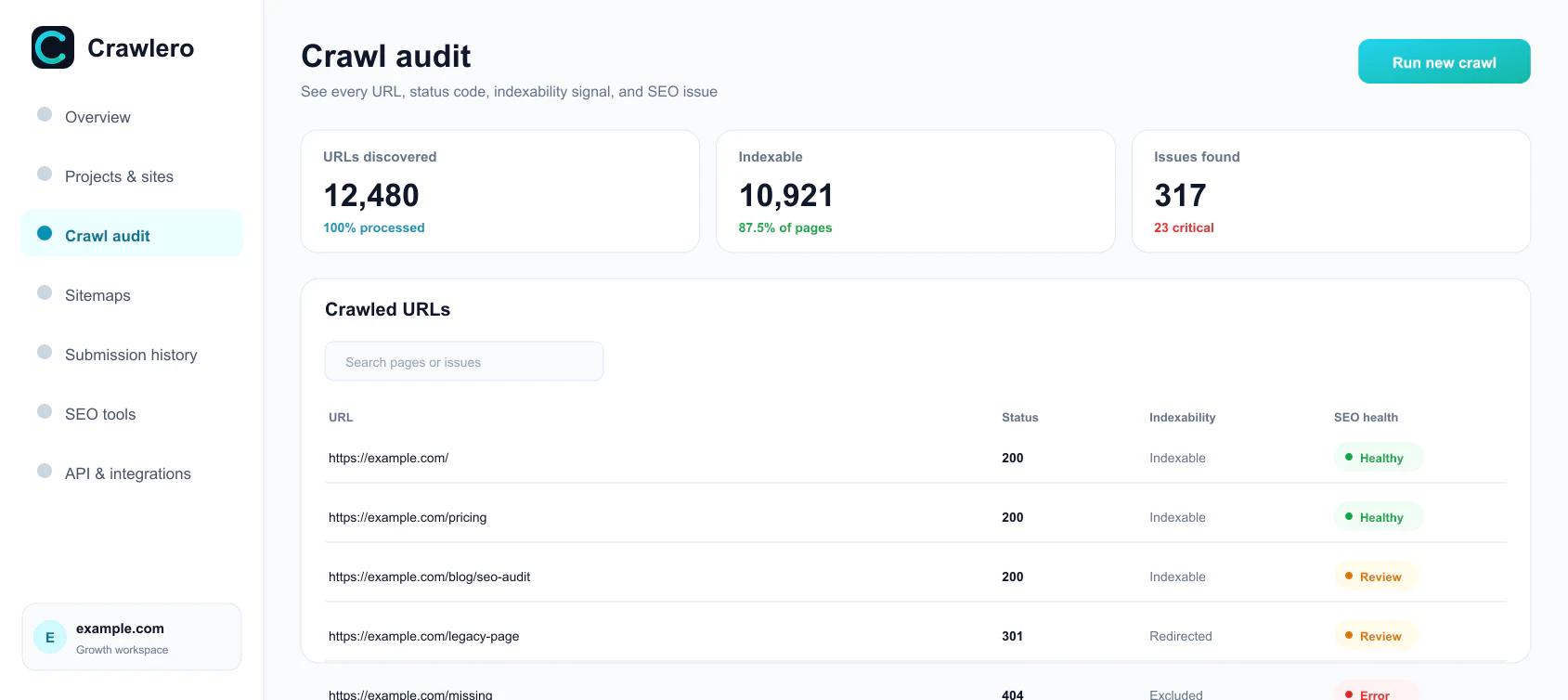
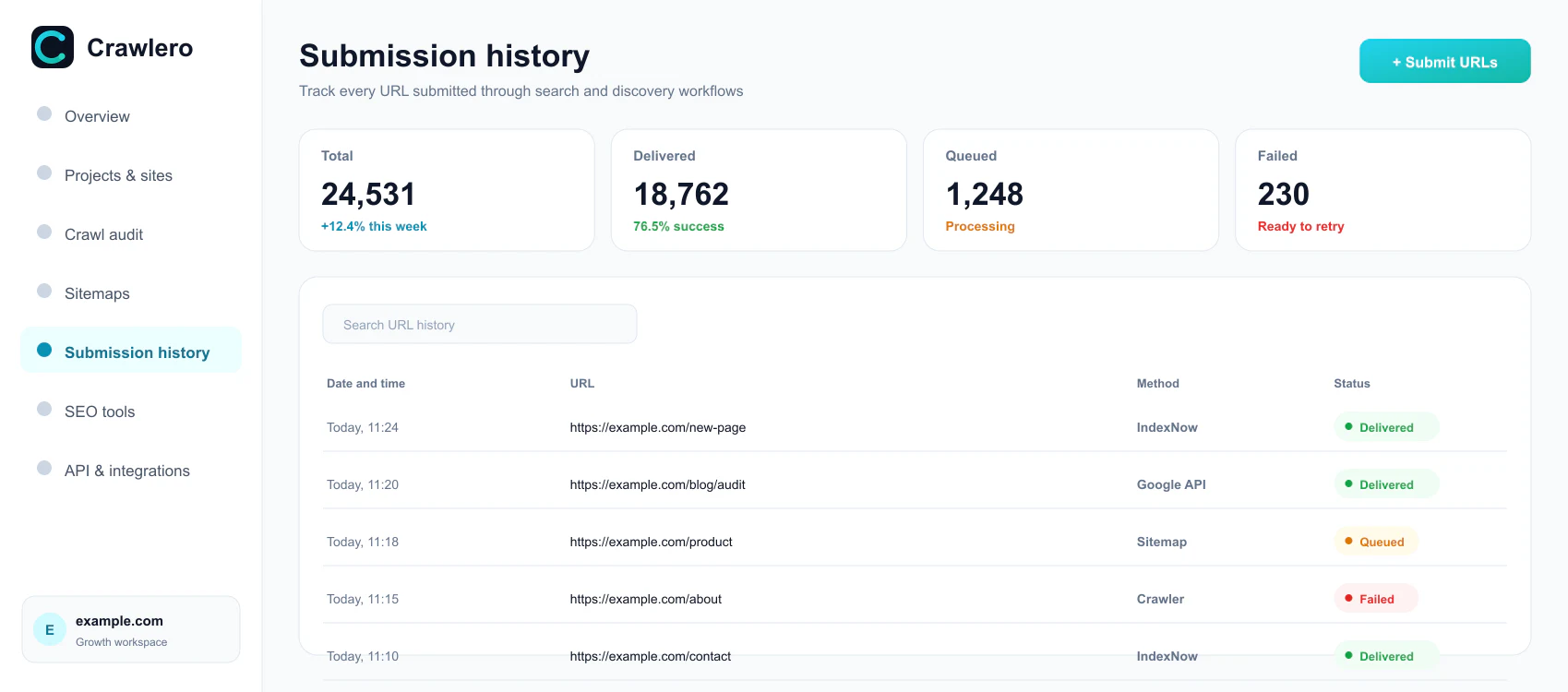
⚠️ Important: Google Indexing API officially only supports sites with JobPosting and BroadcastEvent markup. For other site types, Google does not guarantee request processing. We recommend using IndexNow, Deep Ping, and other crawlero.com engines as primary indexing channels — they work for any site without restrictions.
How it works
Simple setup in minutes
1
Service Account
Create a Service Account in Google Cloud Console
2
GSC access
Add the SA email as an owner in Google Search Console
3
Upload the key
Upload the JSON key to crawlero.com — encrypted with AES-256-CBC
4
Send
Select the "Google" engine when sending URL
Key features
Everything you need to speed up your site's indexing
AES-256-CBC encryption
Keys are stored encrypted with a random IV. The key is never displayed after upload.
Key priority
Bind the key to a site, project, or organization. The system automatically selects the most specific one.
Retry on errors
429 (rate limit) — retry via a separate queue. 403 (invalid key) — marked is_valid = false.
Multi-channel
Google API + IndexNow + Ping + Jina = maximum coverage of all search engines simultaneously.
Indexing check
After sending — automatic check after 3, 7, 14 days: whether the page is in Google or not.
Google quota
200 URL/day per Service Account. You can use multiple SAs to increase the limit.